










Price: ₹1,999 - ₹749.00
(as of Mar 30, 2025 18:11:05 UTC – Details)

Product Description

Compatible Ink For GT51XL/GT52/GT53XL
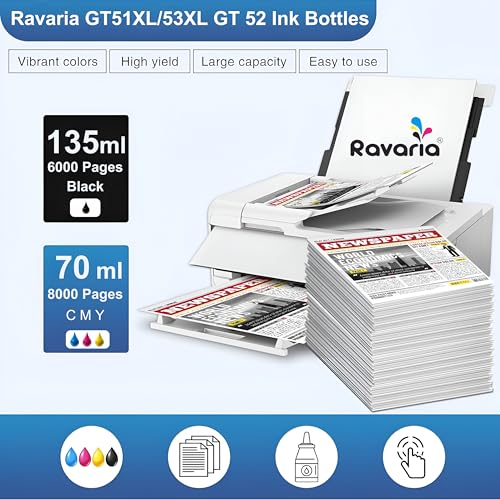
Ravaria offers a specific range of compatible inks specially designed for Smart Tank printers, including models GT 51, GT 52, and GT 53. These inks are formulated with high-quality raw materials to ensure optimal performance and vivid, bright colors with excellent color matching print performance. Ravaria conducts rigorous testing on its inks to ensure reliable print performance every time.
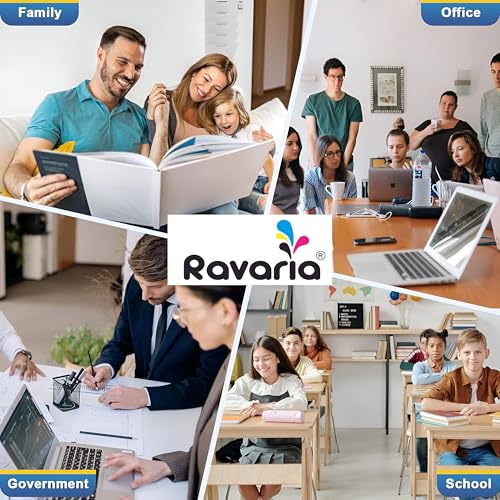
One of the key benefits of Ravaria ink is its easy installation process, as it’s plug-and-play, meaning users can replace cartridges without any hassle. This makes it a convenient choice for a wide range of applications, including printing home documents, business documents, and photos for both personal and professional use. Additionally, Ravaria inks help reduce printing costs while maintaining high-quality prints, making them a cost-effective solution for Smart Tank printer owners.
Product Key Features

High Page Yield
With Ravaria’s compatible ink for GT51XL/GT52/GT53XL, you can now achieve more pages printed without compromising on quality.

Printer Specific Ink
Ravaria leads in developing printer-specific inks customized for application-specific print jobs.

Print Head Friendly
Ravaria Brand ink ensures optimal print head performance, offering seamless injection and smooth print head operation without any clogging issues.

Vibrant Color Prints
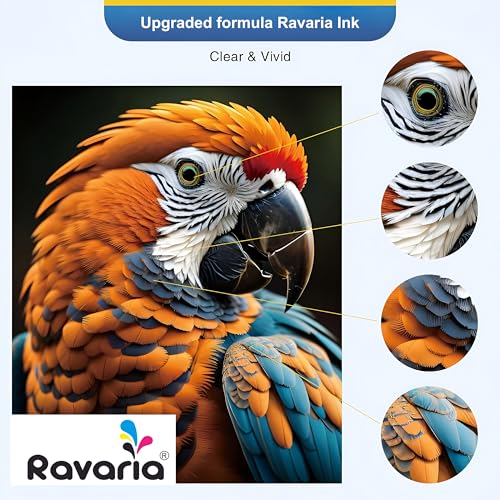
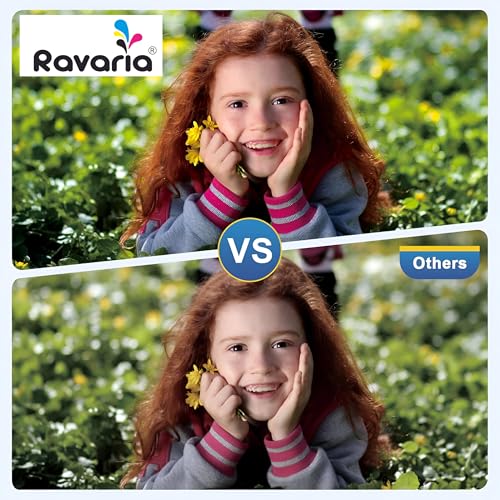
Experience impeccable color matching prints with razor-sharp precision, courtesy of Ravaria Brands’ premium-quality inkjet ingredients. Achieve high definition and crisp edges like never before.

How To Refill Ink Tank Printers
1. Check the Ink Tank Level
Remember to refill the tank before it is empty.
Check the ink tank level regularly and if the ink tank level is at a minimum then refill the ink tank before starting printing.

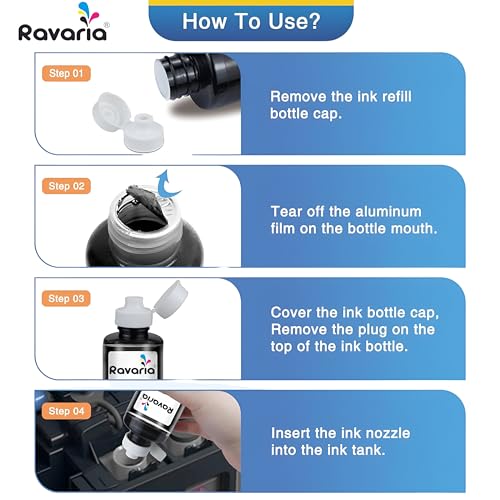
2. Open the bottle cap
To refill the ink tank, take the HP ink bottle and open the cap. To do so twist the cap anti-clockwise.

3. Break the vacuum seal
Once the cap is opened, you need to cut open the vacuum seal on the bottle. To do so take a sharp tool or a knife to break the ink seal.

4. Refill the HP GT Ink
Now put the cap back on and start refilling the ink.
It’s that easy.
Note: Fill the same color ink in the Ink Tank. Do not mix different types of inks.
Not getting proper prints after refilling?

Reasons of Improper Prints After Refill Air Trapped In Ink Supply Line Ink Is Not Settled In Print Head Why this happen?
Air trapping in the ink supply line is very common and occurs only when the user might have used the printer on low ink levels before refilling.
Ink settling issue generally happens when someone is using a brand-new printer or has performed an ink-changeover process.
How To Overcome? A. Perform Pre and Post Nozzle Pattern Check
Power-On the printerGo to Open Driver software >> Maintain Your PrinterClick on Print Quality Diagnostic Page.Compare Printed Pattern with Sample.If the Printed Pattern is not proper, click on Clean Cartridges.Else click on Finish to complete the process B. Perform Head Cleaning
Follow steps 3 and 4 as above.Go to Open Driver Software >> Maintain Your PrinterClick on Clean Cartridges.A page will be printed automatically with Print Quality Diagnostic Page.

Disclaimer:
All brand names used except Ravaria are property of their respective owners and are used for reference purpose only. Their use does not imply any affiliation or endorsement by them.
Ravaria Ink is fully compatible with an extensive range of printers, including the HP Ink Tank series: 115, 310, 315, 319, 410, 415, 416, 419, 455, 500, 515, 530, 589, 615, 750, 790, 670, as well as the GT series: 5810, 5811, and 5820. Ensure optimal performance and reliability with Ravaria Ink for your printing needs.
Experience reliable performance and exceptional quality with Ravaria’s GT 51XL/53XL and GT52 refill ink. Achieve sharp, clear text perfect for both office and home daily printing needs.
At Ravaria, we prioritize environmental sustainability and customer well-being. Our refill inks are crafted to deliver premium quality while maintaining eco-friendly standards. Join us in promoting environmental consciousness while enjoying top-notch printing solutions
Ravaria ensures a seamless printing experience with our 100% quality guarantee. Our dedicated Ravaria after-sales team is available online to support you, ensuring your satisfaction with every print.


Reviews
Clear filtersThere are no reviews yet.